What Changed in AI Video by 2026
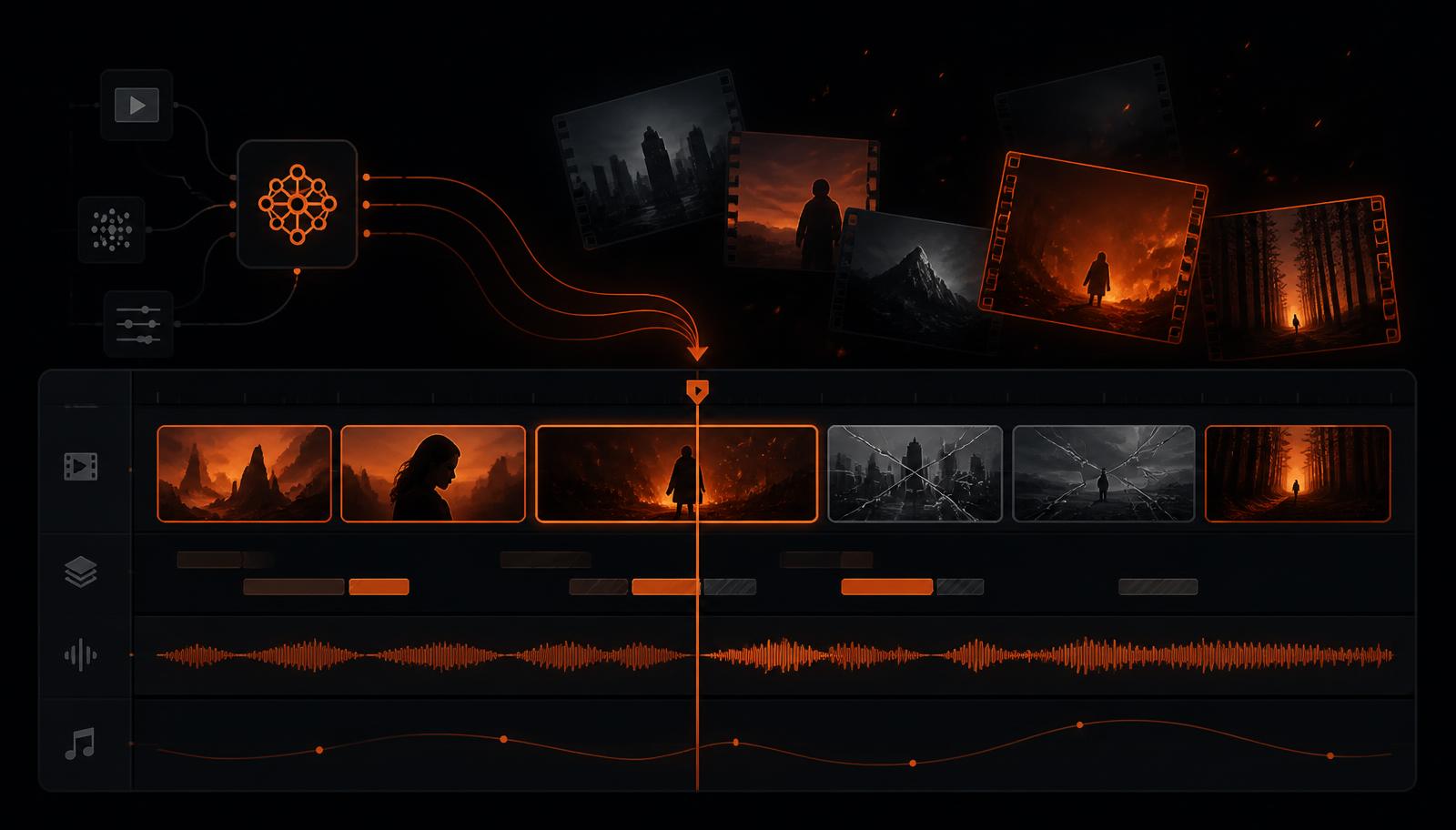
Three years ago, AI video meant a four-second clip that melted at the edges. In 2026 the picture is sharper and the market is split. Tools that speed up real edits are now normal software. Tools that invent footage are still bets, and some of those bets have already failed.
The pattern matches what we see across the rest of the graveyard. Tools that sell time savings to working teams survive. Tools that sell novelty to hobbyists churn out. Video makes the gap wider, because every render costs the vendor real money on real GPUs.
Two shifts matter most for your stack this year. First, editing by transcript went mainstream, so writers now cut video without opening a timeline. Second, avatar video moved into training and sales, where budgets are annual and sticky. Both shifts favour vendors with revenue, not vendors with hype.
The Tools Still Worth Building On
These are the picks we would put a client deadline behind today. Each one still ships features, answers support, and lets you get your files out.
Runway ML — generated footage and in-editor AI
Runway remains the default for shots you cannot film. Its strength is that generation sits next to real editing tools, so you can rotoscope, clean plates, and cut in one place. Read the current Runway status check before a big commitment, and see Runway alternatives if pricing stops working at your volume. Vendor details live at runwayml.com.
Descript — cut video by editing text
Descript turns your footage into a transcript, then edits the video when you edit the words. For interviews, podcasts, and talking-head content this is still the fastest path from raw file to publish. It also exports cleanly to a normal timeline, which matters if you ever leave. See descript.com for current plans.
Synthesia — corporate avatar presenters
Synthesia owns the training-video niche: type a script, pick a presenter, get a localised video in dozens of languages. That workload is boring, repeatable, and funded, which is exactly why the company keeps growing. Check the Synthesia status check and Synthesia alternatives, or visit synthesia.io.
HeyGen — avatar video at social scale
HeyGen covers the same avatar ground with a lighter, faster workflow and strong translation with lip sync. It is a good fit for teams pushing dozens of short videos a week rather than a few polished modules. See heygen.com.
At Risk: Useful Today, Fragile Tomorrow
These tools work. We just would not make them the only place your projects live.
Pika Labs — short generative clips
Pika is fun and fast for social clips, and it sits in the hardest part of the market. Consumer video generation has high costs and low switching costs, so subscribers leave the moment a rival ships a better model. Keep local copies of every clip you ship.
Pictory — long content into cutdowns
Pictory pulls highlight clips out of webinars and long videos. It is a strong workflow for marketing teams, but it competes with features now bundled into bigger suites. Compare it against tools like Pictory before renewing annually.
Lumen5 — text to marketing video
Lumen5 turns blog posts into simple branded videos. The output is fine for social feeds and the editor is easy on non-editors. The risk is that its core trick is now a checkbox in tools your team already pays for. See Lumen5 alternatives and tools like Lumen5 for the current shortlist.
What Already Died in This Category
Video is not short of graves. Tome pivoted away from the AI storytelling product that made it popular, and users lost decks and video-style presentations in the process. Our Tome status check and tools like Tome cover the timeline and the replacements.
The wider lesson repeats across the site. In image generation and transcription, the tools that died were usually one clever feature wrapped in a subscription. When a platform shipped that feature for free, the wrapper had nothing left to sell. Video wrappers face the same squeeze, only with bigger server bills.
Full list of confirmed casualties: discontinued AI tools. If you are auditing a stack, start there and work backwards.
A Production Workflow That Survives a Shutdown
The point of status checking is not fear. It is being able to lose a vendor on a Tuesday and still ship on Thursday. This is the workflow we recommend to teams.
- Keep source footage outside the tool. Your camera files and audio belong in your own storage. AI tools get copies, never originals.
- Export a project backup every week. Pull the timeline, the captions file, and the final render. A ten-minute habit beats a lost quarter.
- Save captions as SRT or VTT. Text is the cheapest asset to move and the most annoying to redo.
- Write down your brand settings. Fonts, colours, safe margins, and logo placement should live in a doc, not only in one vendor's brand kit.
- Name one backup tool per job. One generative option, one edit-by-text option, one avatar option. Know the price and the export path before you need them.
- Re-check status each quarter. Fifteen minutes on release notes, pricing pages, and support response times tells you most of what you need.
- Test the exit once. Move one finished project to your backup tool. You will find the broken bits while nothing is on fire.
What This Actually Costs
Sticker prices mislead in video, because the real unit is a finished minute. A cheap plan with slow renders and heavy credit use can cost more than a pricier plan that lands the shot on the second try. Before you switch tools, produce one typical deliverable and record three numbers: credits used, editor minutes, and how many retries it took.
Two costs get forgotten. Review time barely falls, because someone still has to watch the whole thing. And rework rises when generated shots do not match your real footage, so mixed edits often take longer than either extreme. Plan for both and your budget stops surprising you.
Licensing and Client Delivery
Ads and client work need clear rights. Confirm three things in writing: that you own or may use the output commercially, that your inputs are not used to train future models on your plan, and that likeness rights for avatars cover your regions. Guidance from the U.S. Copyright Office AI initiative is worth reading before you promise a client anything about ownership. Reporting from The Verge and TechCrunch is a useful early warning on funding and policy shifts.
Exit Routes: What You Can Actually Take With You
This is the table we wish every vendor published. It is the difference between changing tools in an afternoon and rebuilding a year of work.
| Tool | Best for | What exports cleanly | What you lose |
|---|---|---|---|
| Runway ML | Generated shots, cleanup | Rendered clips, masks as video | Prompt history, node setups |
| Descript | Talking-head and podcast cuts | Timeline to standard editors, transcript, captions | Studio Sound and filler-word settings |
| Synthesia | Training and localisation | Final MP4 per language, script text | Avatar and voice pairing, brand templates |
| HeyGen | High-volume avatar clips | Final MP4, translated audio | Avatar library, batch job settings |
| Pika Labs | Short social clips | Rendered clips only | Everything else, including prompts |
| Pictory | Webinar cutdowns | Clips, captions, highlight lists | Auto-highlight logic and scoring |
| Lumen5 | Blog to video | Final MP4, script text | Brand kit, stock media licences |
Notice the pattern. Renders always come out. Structure rarely does. So the assets to guard are the ones that took human judgement to create: transcripts, caption timing, shot lists, and brand settings. Store those as plain files in your own drive and any migration becomes a copy job instead of a rescue mission.
One more habit worth adopting: keep a one-page runbook per active tool. Write down the plan you pay for, the export steps, where the backups land, and who on the team owns it. When a vendor announces a shutdown with 30 days notice, that page turns a panicked week into an hour of work. We have watched enough shutdowns across the discontinued list to know the teams with runbooks barely notice.
The Five Signals We Watch
Our checks are mostly mechanical, and you can run the same ones yourself in a coffee break. None of them is proof on its own. Two together are usually enough to start exporting.
- Shipping pace. Open the changelog. A video tool that has not shipped in 90 days has either finished the product or run out of engineers. In this market it is rarely the first one.
- Pricing drift. Cheap tiers disappearing, credits getting smaller, or annual-only plans appearing all point the same way: the vendor needs cash from fewer, larger customers.
- Support latency. Send one real question. A reply in two days is healthy. Silence for a week from a paid plan is a warning you can measure.
- Infrastructure noise. Slower renders, more failed jobs, and longer queues often show up months before an announcement, because GPU bills are the first thing a struggling vendor trims.
- Public quiet. A dead blog, an unanswered support account, and a careers page with no roles are a cluster, not a coincidence.
We log these in the open so you can argue with us. Every tool page carries its own check history, and the leaderboard ranks the whole set by confidence.
Three Stacks That Work Right Now
Most teams do not need seven tools. They need two that fit their footage and one escape hatch. These three combinations cover almost everyone we talk to.
The solo creator
Descript for the main edit, Runway for the shots you cannot film, and local storage for everything finished. Total spend stays modest, and both tools export to a standard timeline if you ever move to Premiere or Resolve.
The marketing team
Synthesia or HeyGen for repeatable explainers, plus Pictory for slicing webinars into social clips. Add a shared doc with brand settings so a vendor swap does not restart your design decisions. The wider stack lives on our tools for marketers page.
The agency
Keep a traditional editor as the source of truth and treat AI tools as accelerators around it. Generated shots come in as clips, transcripts come in as text, and nothing final lives only in a vendor cloud. It is slightly slower per project and dramatically safer per client.
Five Mistakes That Cost Teams Real Money
- Paying annually in month one. The discount is small. The lock-in is not. Run a month of real work first.
- Letting the tool hold your only copy. Cloud projects are convenient right up to the day the login stops working.
- Judging quality from the demo reel. Demos are cherry-picked. Test with your worst footage, not your best.
- Ignoring aspect ratios until delivery. Reframing a finished edit for vertical is a second edit, and it is never in the estimate.
- Skipping the licence question. Finding out mid-campaign that avatar likeness rights exclude your region is an expensive lesson.
What We Expect Next
Expect consolidation rather than collapse. The clearest trend is bundling: general editors keep absorbing single-trick AI features, which squeezes standalone wrappers first. Avatar tools should hold up, because enterprise training budgets renew whether the model improved or not.
Generative video will keep improving fastest and staying least stable as a business. That is fine, as long as you use it the way professionals already do: for shots, not for whole deliverables. Our monthly status reports track each change as it lands, and we update this page whenever a status here flips.
Where to Go Next
If you own the whole content pipeline, pair this page with AI tools for writing blog posts, transcription tools, and the marketing stack. Comparing two tools head to head? Use the versus index. Watching the whole market? The status leaderboard and monthly shutdown reports track what moved.
Bottom line: pick tools for the job in front of you, keep your assets in your own hands, and re-check status every quarter. That combination lets you use young AI video tools without betting your deadlines on them.